Chainlink — Data Analytics
Project Overview
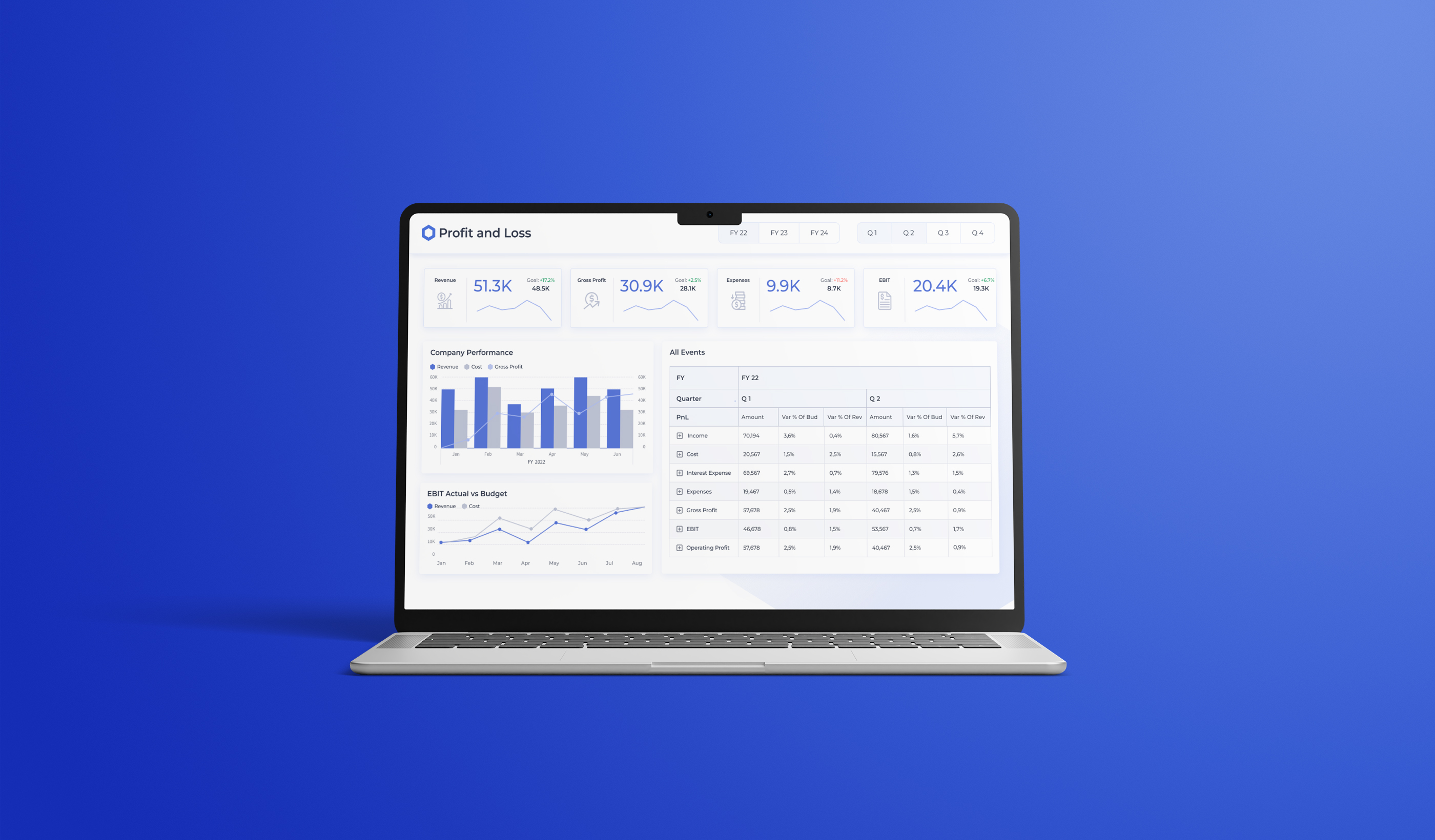
I designed a scalable dashboard system for Chainlink Labs that transformed complex blockchain and market data into clear, consistent and actionable business insights. The work covered UX research, information architecture, data visualisation, reusable UI patterns, Power BI guidelines and a JSON theme that supported implementation.
My Contribution
My Role
As the Senior UX/UI Designer, I led the research, UX strategy, information architecture and interface design for data analytics dashboards.
I collaborated with data analysts and stakeholders across multiple departments to understand complex reporting needs and translate technical requirements into clear, accessible dashboard experiences. I also created reusable UI patterns, data visualisation guidelines, a scalable design system and a JSON-based Power BI framework that connected design decisions with implementation.
Project Description
The Chainlink Data Analytics team provides business-focused insights that support informed decision-making. My work focused on translating high-quality data and advanced statistical analysis into accessible, actionable dashboard experiences.
Project Type
Enterprise Data Visualisation · Dashboard UX/UI Design · User Research · Design Systems
Tools
Figma, Adobe XD and Power BI
Chainlink Labs
Chainlink is a decentralised oracle network that enables smart contracts to securely access tamper-resistant data from off-chain sources.
The Chainlink Data Analytics team generates and shares business-focused insights, helping Chainlink Labs move efficiently through the data analytics lifecycle. The team ensures that high-quality data and complex statistical analysis are translated into clear, actionable information for the business.
.png)
My Process
I used a Design Thinking approach to understand user needs and pain points, define the core problems, explore possible solutions, create prototypes and refine the dashboards through stakeholder feedback.
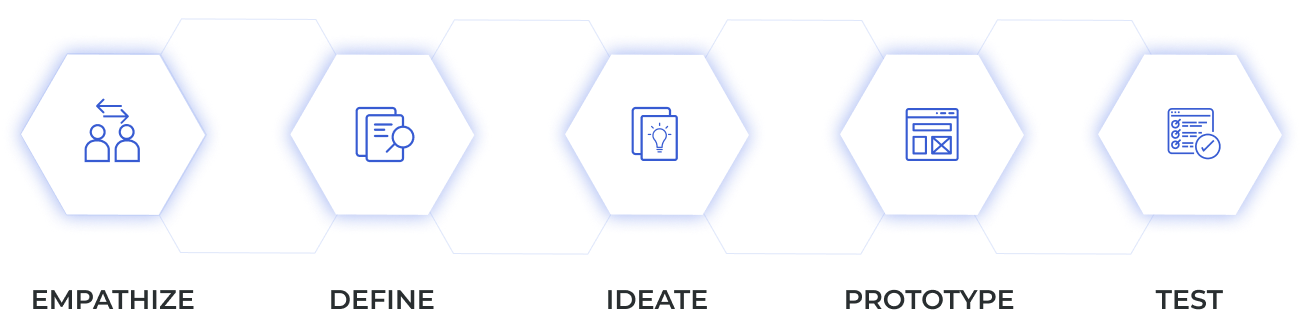
Empathise
I conducted competitive analysis and qualitative research with data analysts and stakeholders across multiple departments. Through interviews, workflow reviews and collaborative dashboard sessions, I identified shared user goals, pain points, reporting behaviours and department-specific requirements.
Define
I identified the primary user groups and worked with stakeholders to define the key questions each dashboard needed to answer. These insights informed a modular information architecture tailored to different audiences, establishing a clear foundation for dashboard navigation, content hierarchy, KPI prioritisation and scalable data presentation.
Ideate
I explored multiple approaches to dashboard structure, data visualisation and interaction design through sketches, user flows and low-fidelity wireframes. I evaluated different ways to organise complex datasets, present KPIs and support progressive disclosure without overwhelming users. The selected direction combined clear visual hierarchy, reusable dashboard patterns and flexible layouts that could accommodate different reporting needs and Power BI constraints.
Prototype
I translated the selected concepts into low- and high-fidelity prototypes in Figma, covering dashboard layouts, navigation patterns, KPI cards, chart behaviour and responsive interaction states. Alongside the prototypes, I developed a scalable design system with reusable UI components, standardised data visualisation patterns and documented layout principles. I also created a JSON-based Power BI framework that connected the visual system with implementation and enabled consistent styling across new reports.
Test
I reviewed the prototypes with data analysts, stakeholders and implementation teams, using their feedback and usability observations to evaluate information clarity, navigation, visual hierarchy and the usefulness of presented insights.I iterated on the dashboard architecture, interaction patterns and data visualisations until the experience supported both user needs and business goals. The final framework reduced the estimated design and delivery time for new dashboards by 25% and helped stakeholders interpret insights and identify relevant actions approximately 30% faster.
Problem and Goal
Chainlink Labs needed a reusable Power BI framework for the Data Analytics team, with clear visual-design principles that could be applied consistently across different datasets, layouts and stakeholder use cases.
.png)
Inconsistent Dashboard Design
The existing dashboards lacked a unified visual language and consistent user experience, increasing cognitive load when users reviewed unfamiliar information.
Unfamiliar Data Analytics Tool
Power BI was new to parts of the Data Analytics team and the wider business. Users needed guidance to understand its functionality and use it confidently while working within tight deadlines and evolving requirements.
Complex Data Insights
The team needed to translate complex analysis into clear, intuitive and accessible dashboard experiences for stakeholders with different levels of technical expertise.
.png)
Consistent and Engaging Design
My goal was to create a strong, visually appealing look for all data visualisation projects and provide a familiar, web-like experience that made navigation intuitive.
Guidelines and Frameworks
I created supporting documentation and Power BI guidelines to establish consistent standards across the dashboard development process and help users become familiar with the platform.
From Complexity to Clarity
Close collaboration with the Data Analytics team helped transform complex information into user-centred dashboards that improved clarity, accessibility and usability across the organisation.
User Stories
After synthesising the interview findings, I developed user personas and documented their goals, behaviours and pain points. These insights informed the problem statements, hypothesis statements and user journeys. Mapping each journey helped me understand how users think and feel through every step while reducing the influence of my own assumptions.
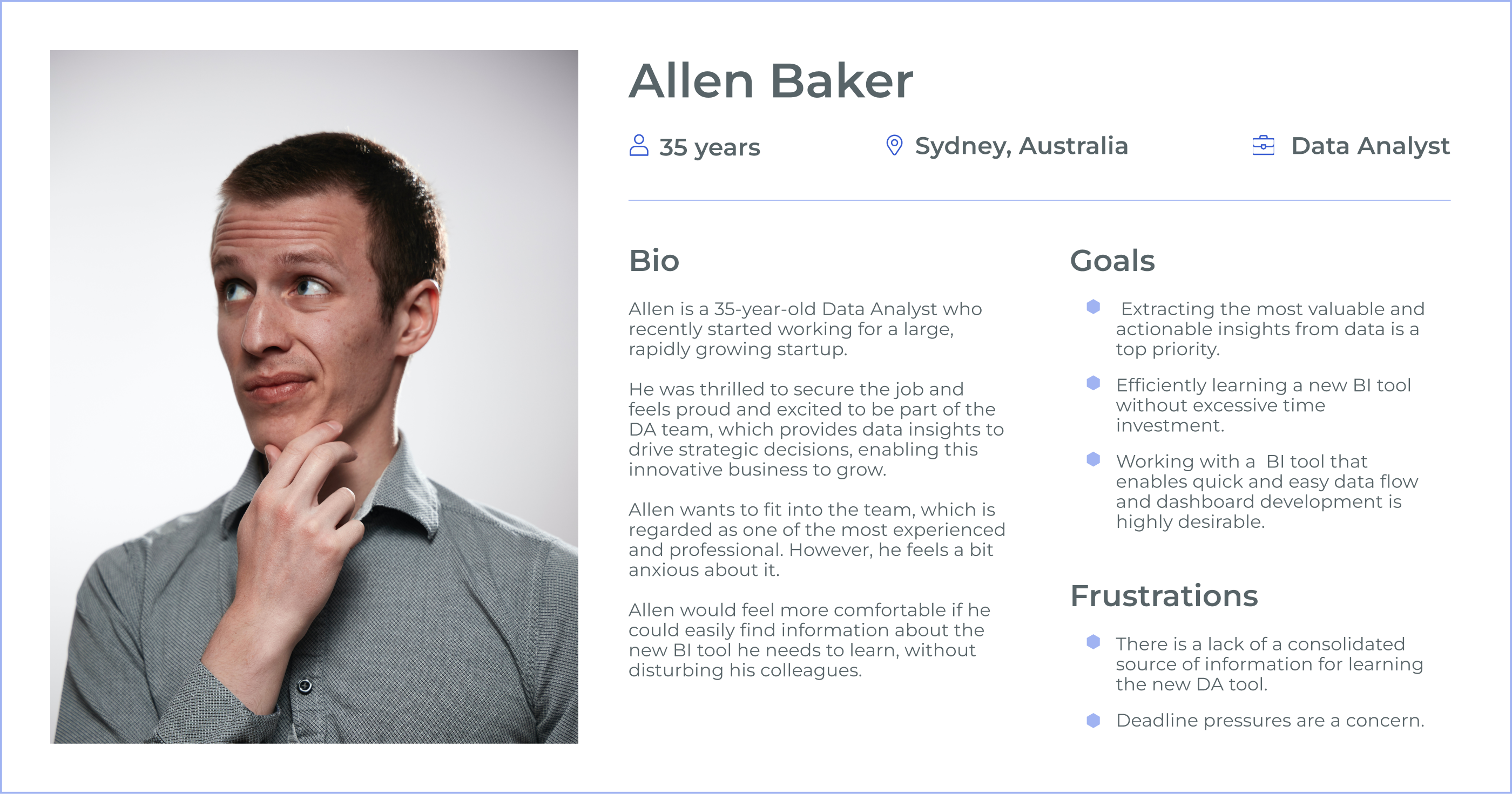
User Story
As a data analyst, Allen wants a clear and insightful dashboard so that he can share meaningful findings with stakeholders and support better decision-making.
Problem Statement
Allen needs to learn a new data analytics tool quickly while delivering a high-quality dashboard within a tight deadline. He also needs to reduce report-development time without compromising clarity or accuracy.
Hypothesis Statement
If Allen had a reliable source of step-by-step guidance, he could learn the tool with less stress and in less time.
If Allen had access to a designated Power BI expert, he could resolve questions more efficiently and feel more confident asking for support.
If Allen had reusable Power BI templates and documented visual principles, he could develop reports faster while maintaining quality and consistency.
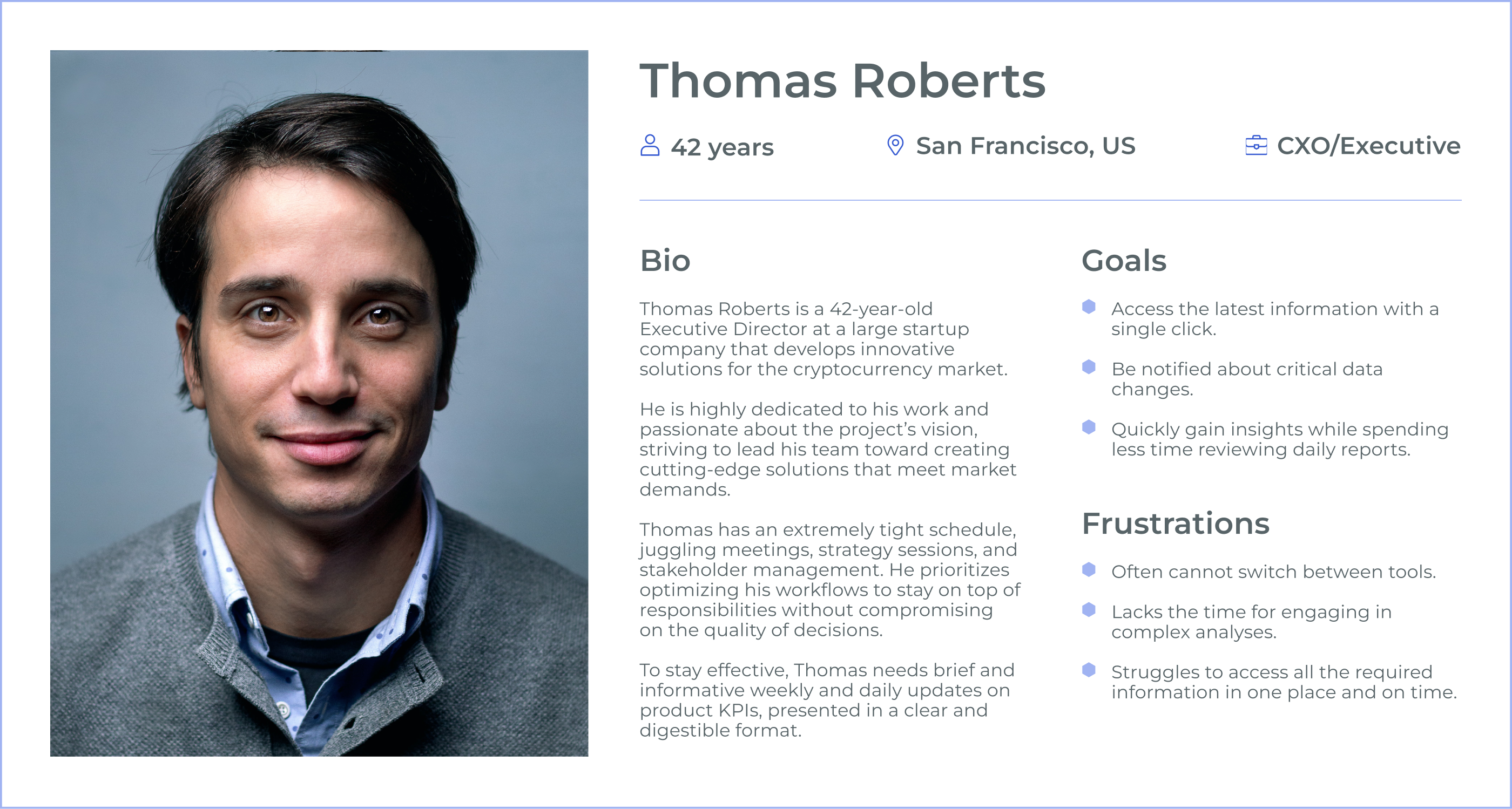
User Story
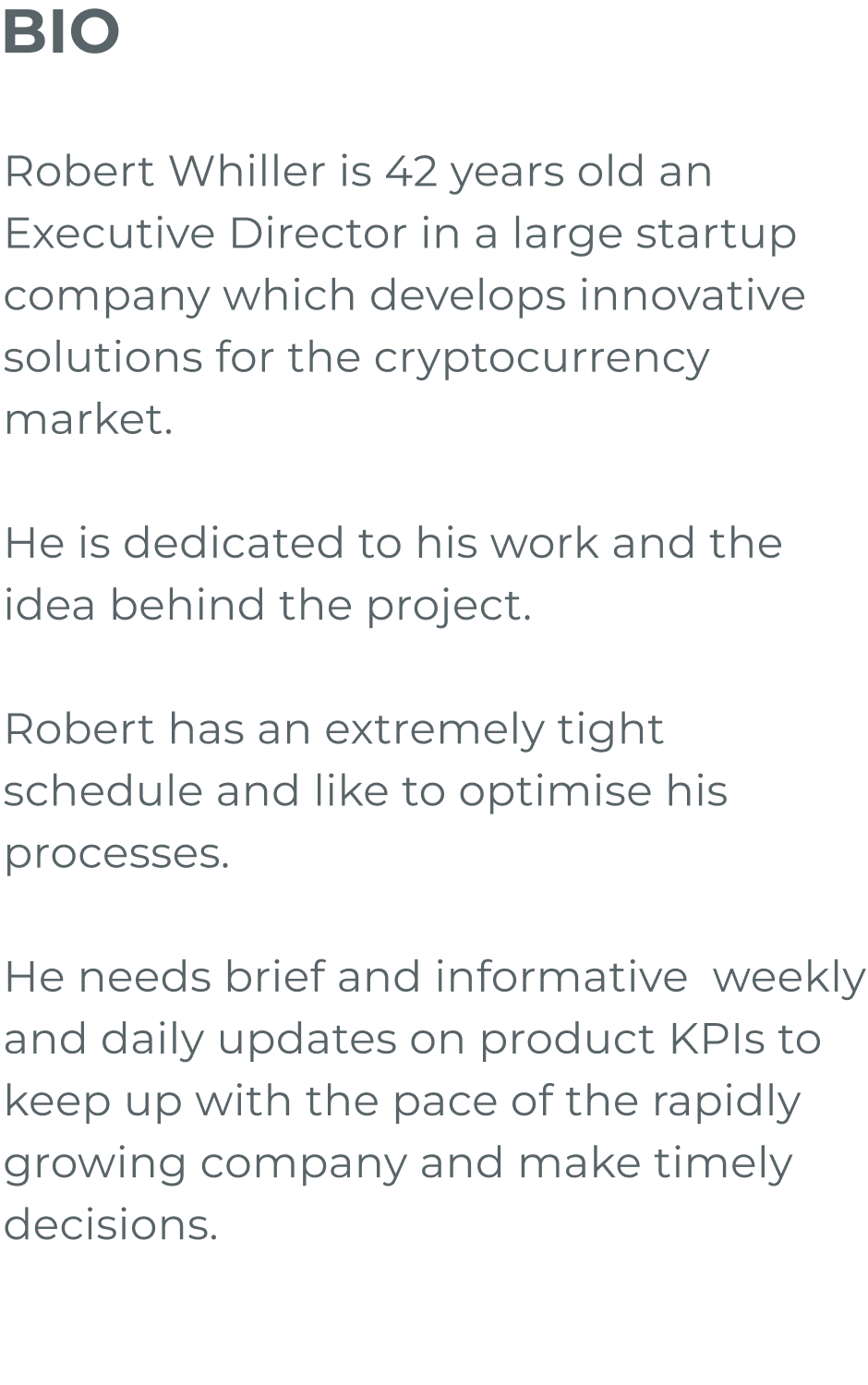
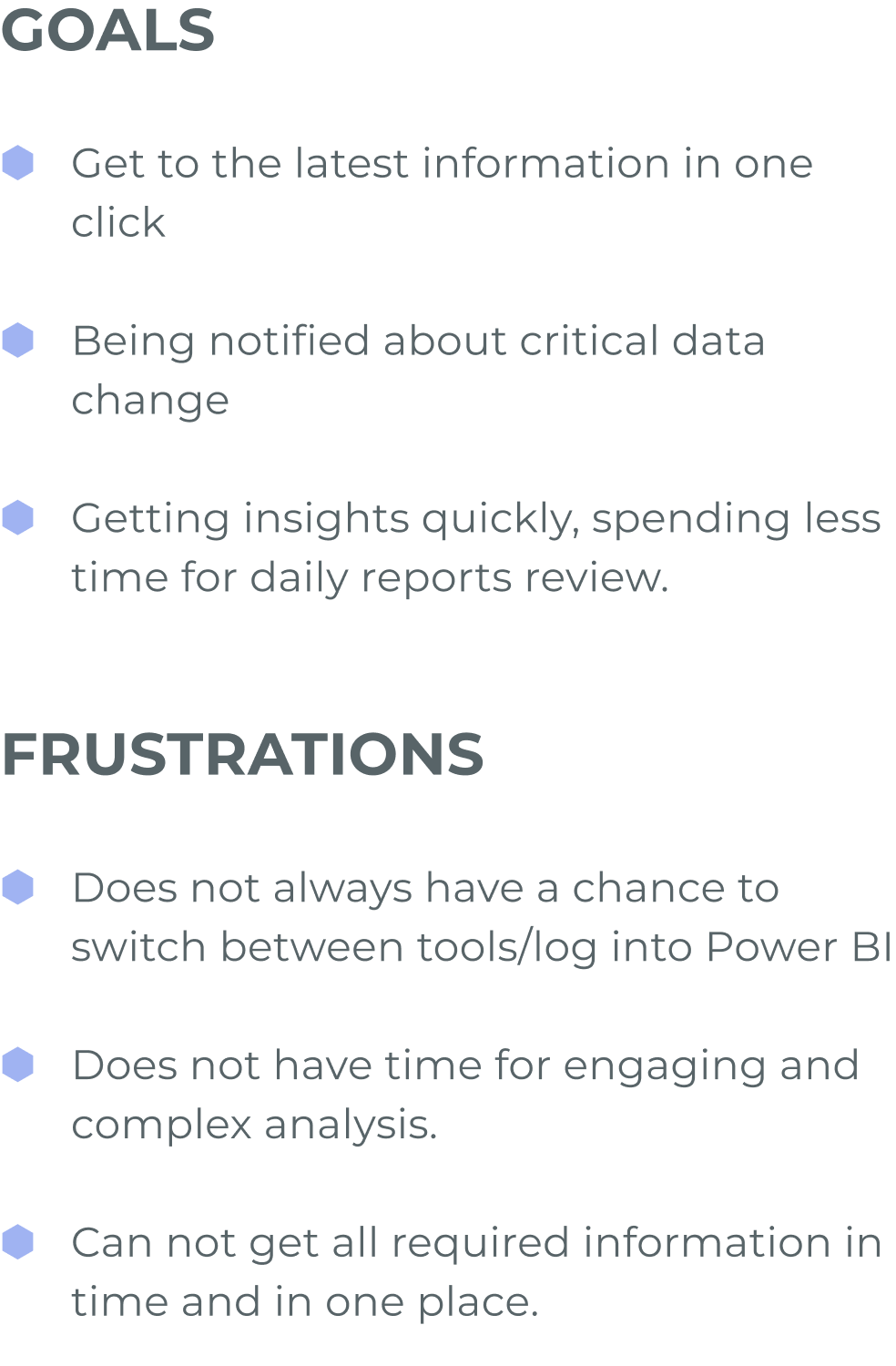
As an Executive Director with a demanding schedule, Thomas Roberts wants concise, actionable updates on product KPIs in real time so that he can make informed decisions without navigating multiple tools.
Problem Statement
Thomas struggles to access critical product KPIs in one centralised location. Without real-time notifications and prioritised insights, it is difficult to respond quickly in a fast-moving market.
Hypothesis Statement
If Thomas had a centralised dashboard showing critical KPIs at a glance, he could spend less time finding information and more time making decisions.
If Thomas received real-time notifications about significant changes, he could respond to urgent issues without delay.
If daily and weekly KPI reports prioritised the most important insights, he could avoid manually reviewing multiple tools and reports.


Dashboard UX Process
Defining a dashboard development process was essential to ensure that each dashboard was functional, understandable and effective at communicating insights. The structure I created became a best-practice framework for clear and transparent collaboration between teams.
.png)
Request
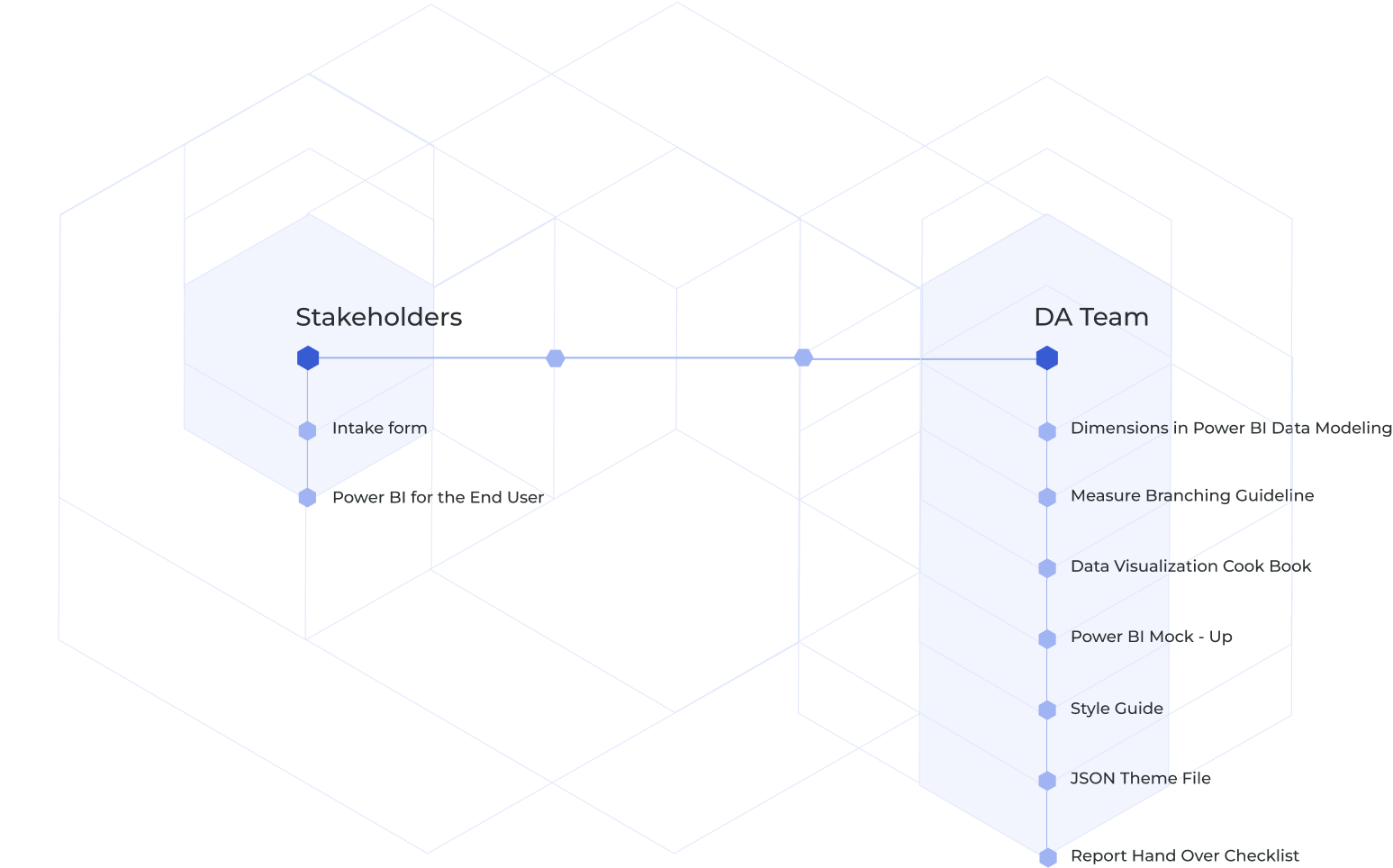
The stakeholder submits a request to the Data Analytics team using the intake form.
Meeting
The teams arrange a meeting to clarify requirements, users and business goals.
Data Preparation
The data scientist imports the data into the visualisation tool and prepares it for analysis and logic development.
Dashboard Structure
The designer defines the report structure from the agreed requirements and then gathers stakeholder feedback.
Data Visualisation
The data scientist and designer collaborate on low-fidelity visualisations before developing a high-fidelity prototype informed by stakeholder feedback.
Delivery and Maintenance
The stakeholder reviews the dashboard, the team implements the final changes, and the report is published to production and moved into maintenance.
Guidelines and Frameworks
I created practical guidelines and reusable frameworks to streamline the dashboard workflow, maintain visual and interaction consistency, and improve communication between designers, analysts, engineers and stakeholders.
Style Guide
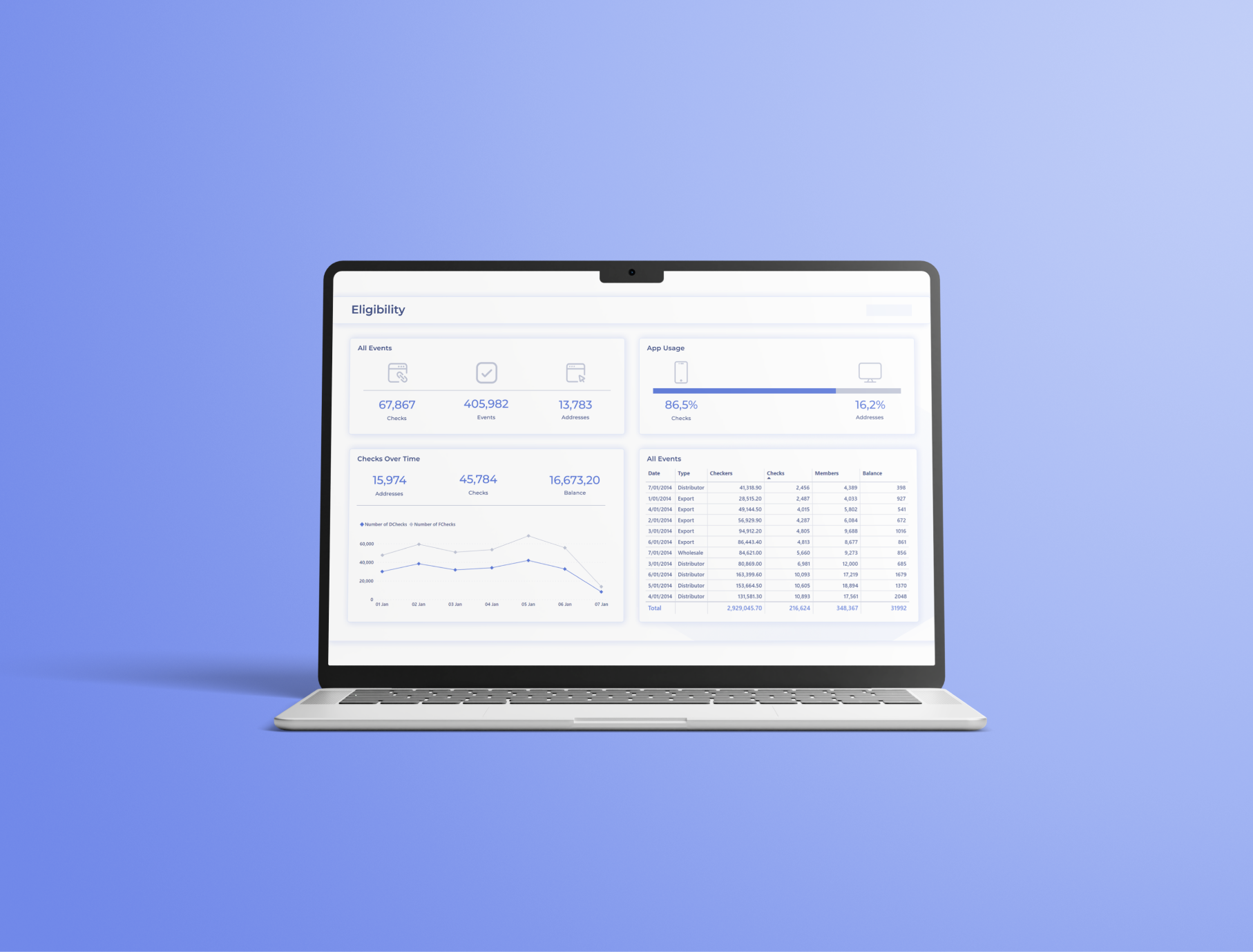
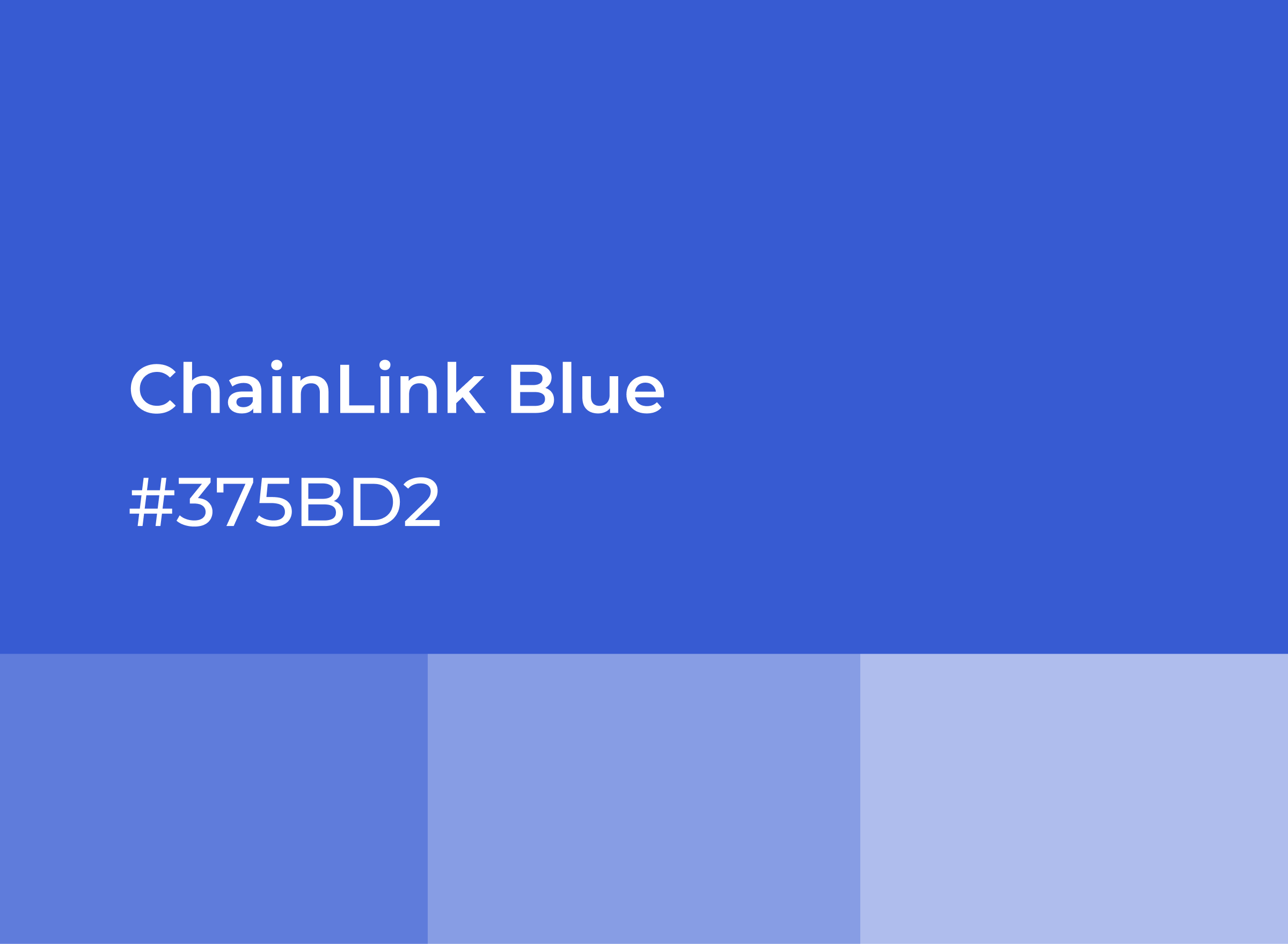
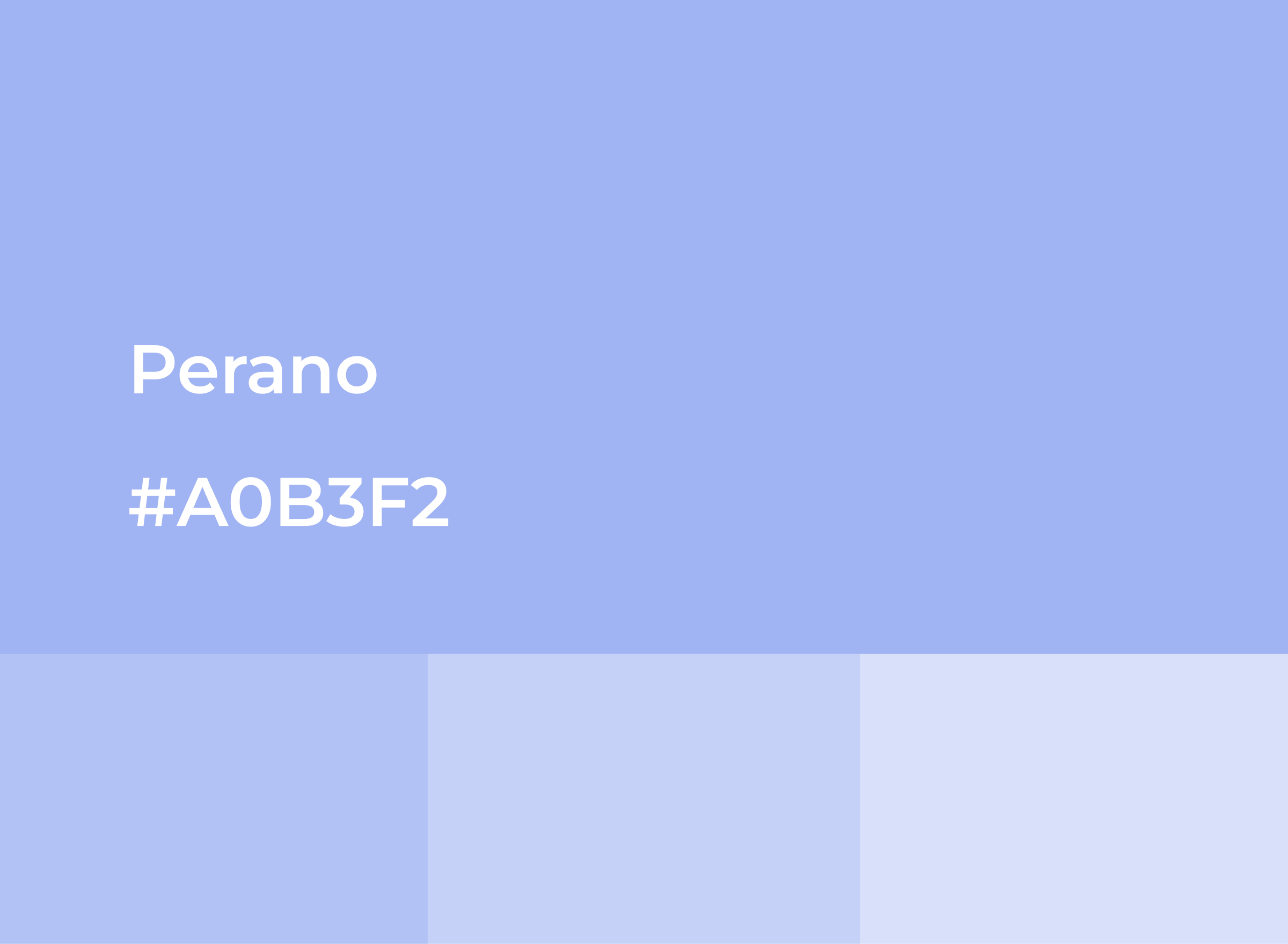
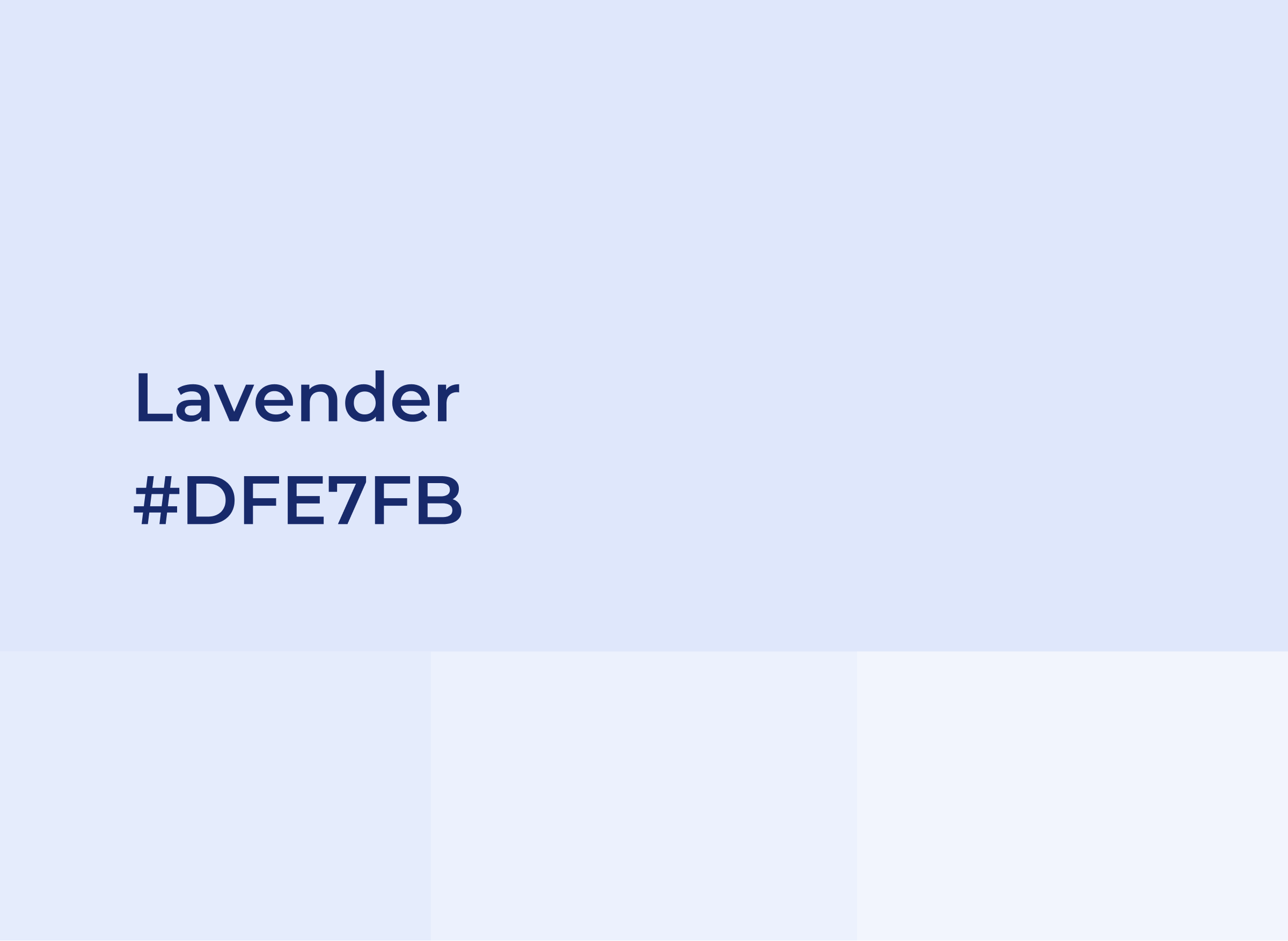
I developed a consistent visual system covering typography, colour, spacing, chart styles, layout behaviour and reusable interface components. The guide gave designers, analysts and engineers a shared reference for creating and maintaining analytics dashboards.
.png)
.png)
.png)

.png)


Wireframing
I created low-fidelity wireframes to validate dashboard structure, content hierarchy, KPI presentation and navigation before progressing to detailed visual design.
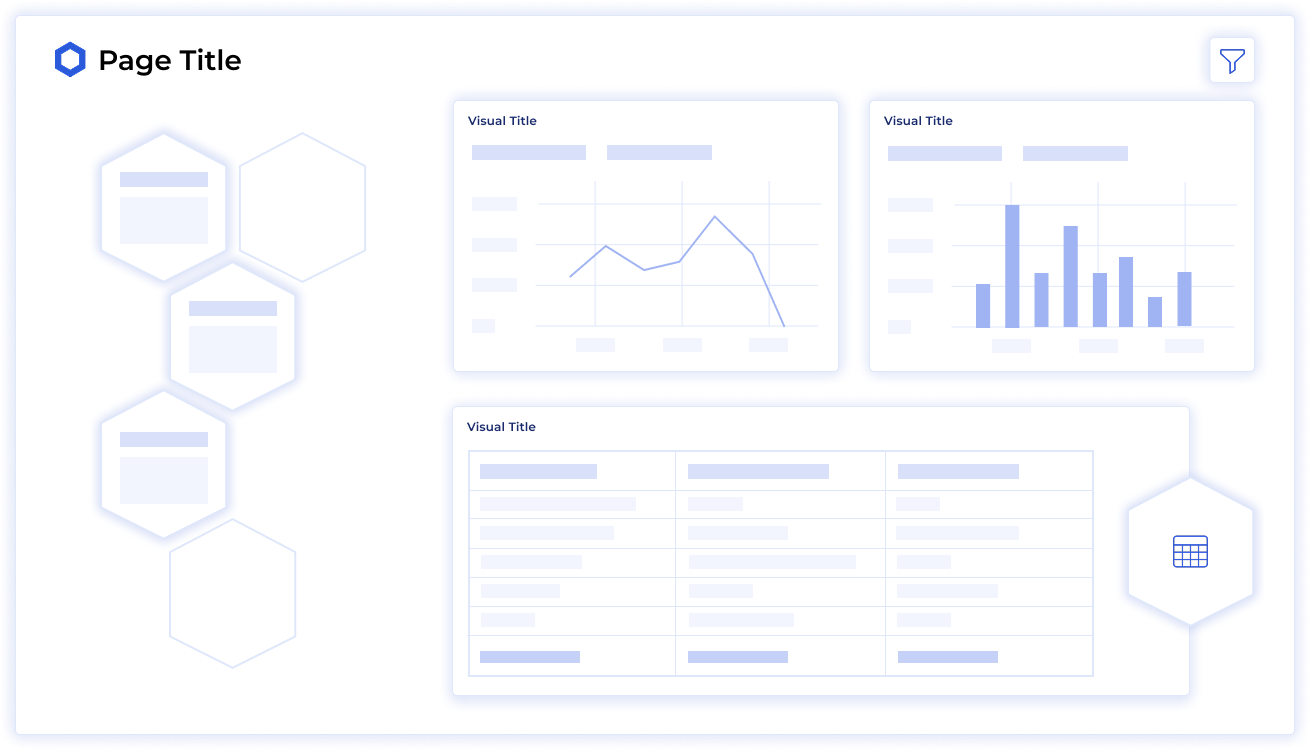
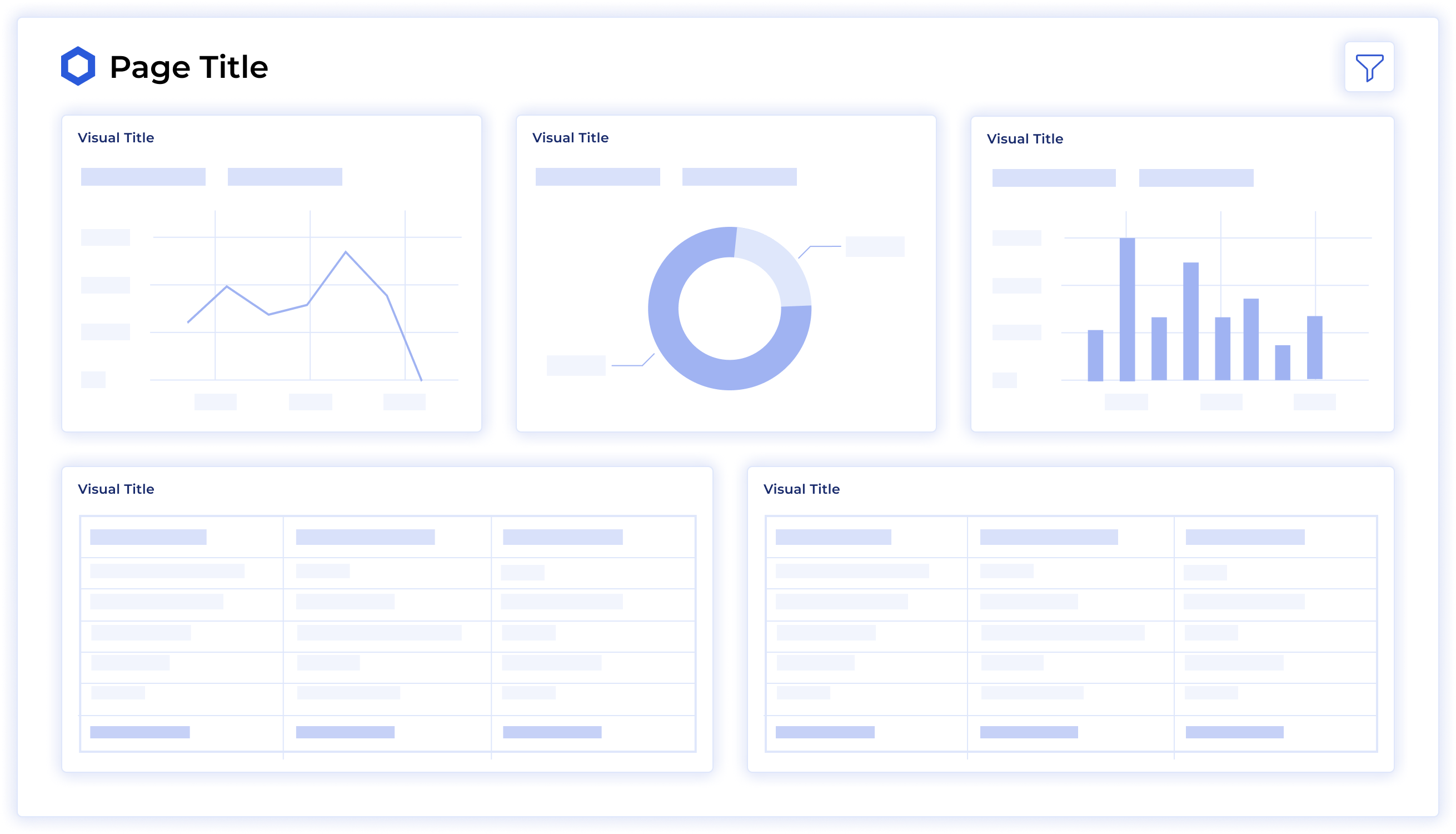
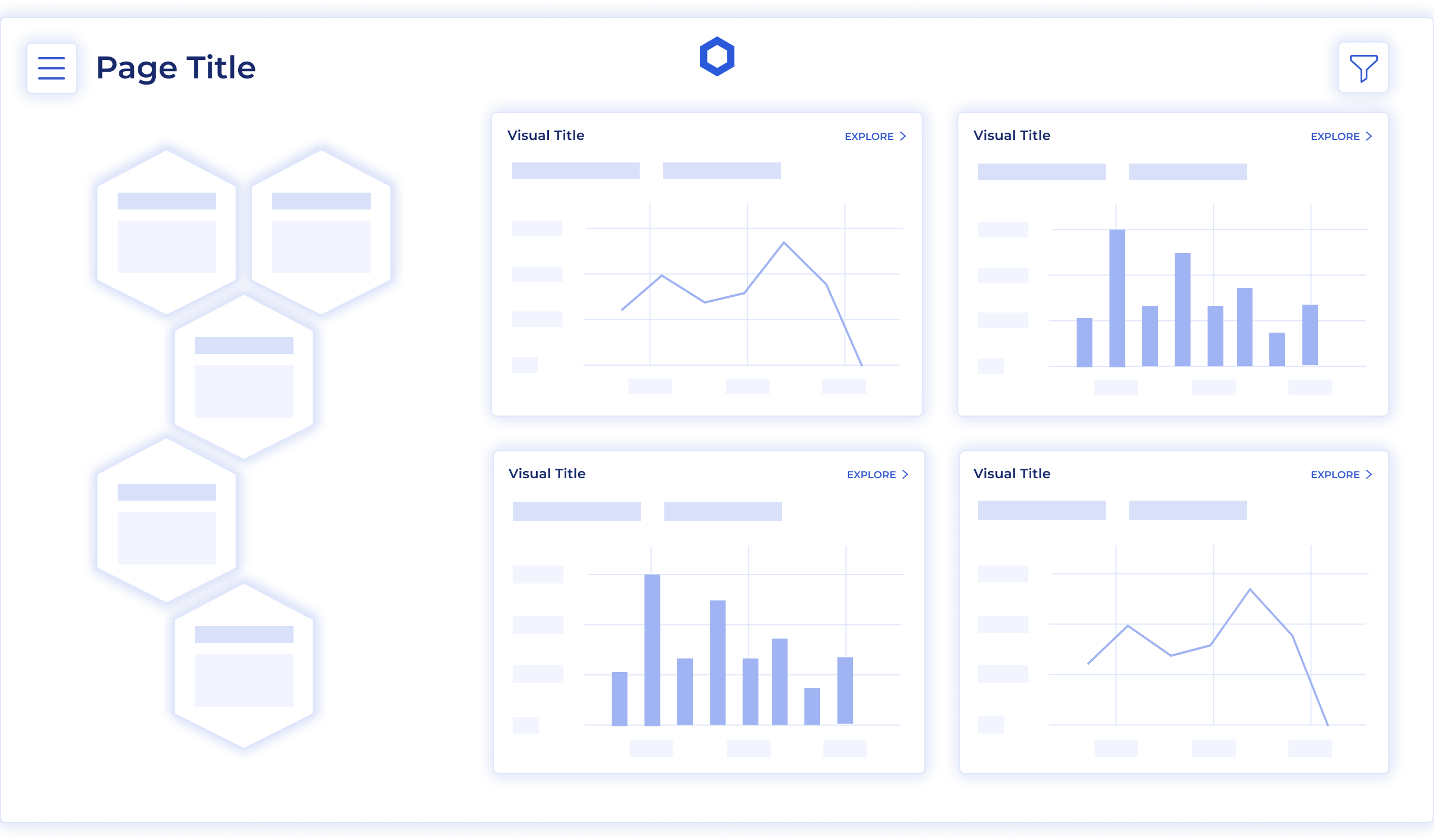
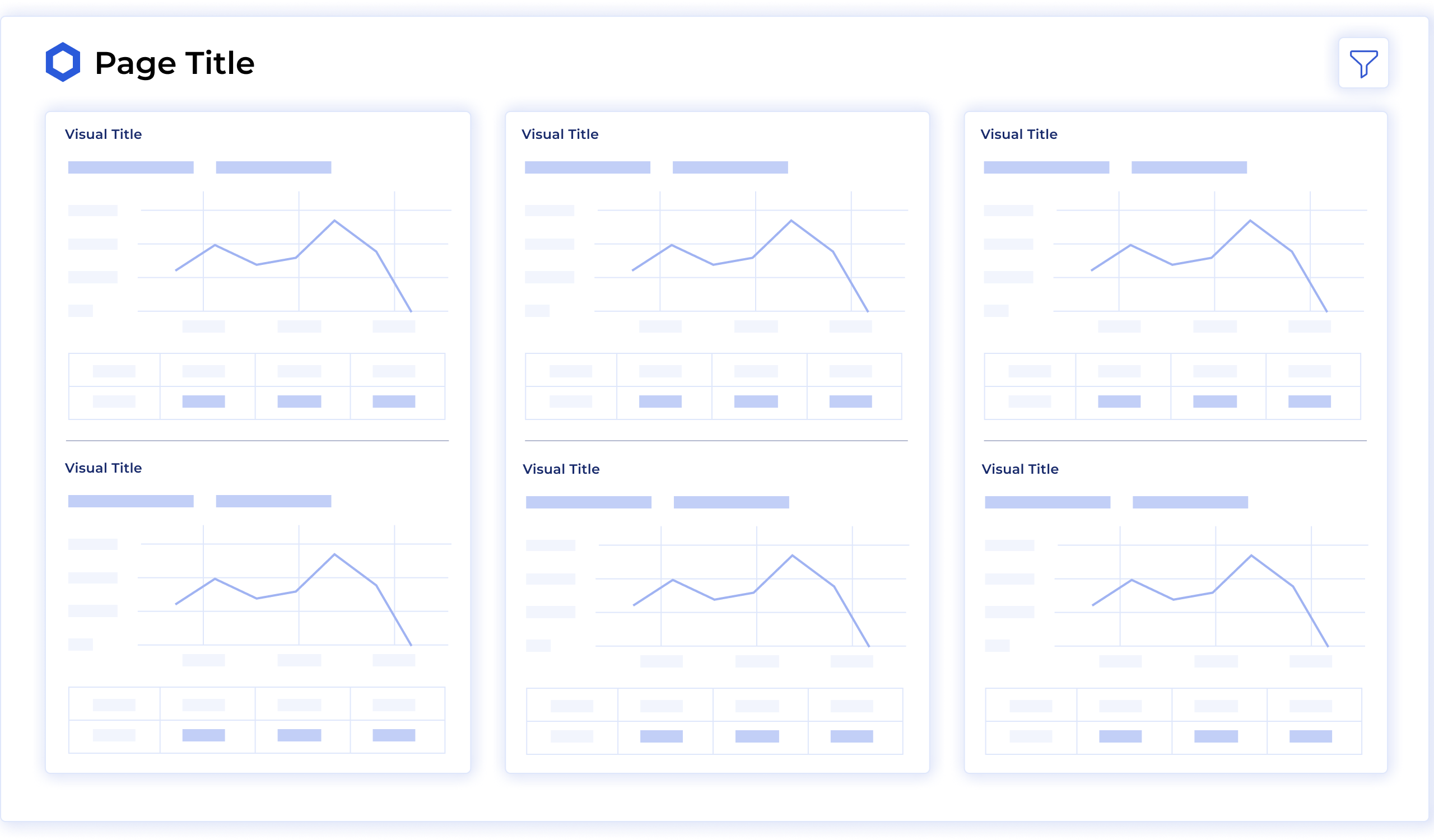
Prototyping
I developed high-fidelity prototypes to validate information hierarchy, navigation, chart presentation and interaction patterns before implementation in Power BI.
.png)
.png)
.png)
.png)
JSON Theme File
To transfer the visual system from Figma into Power BI, I created a reusable JSON theme defining the core colour, typography and chart-formatting rules. This enabled the Data Analytics team to apply the design consistently and develop new reports more efficiently.
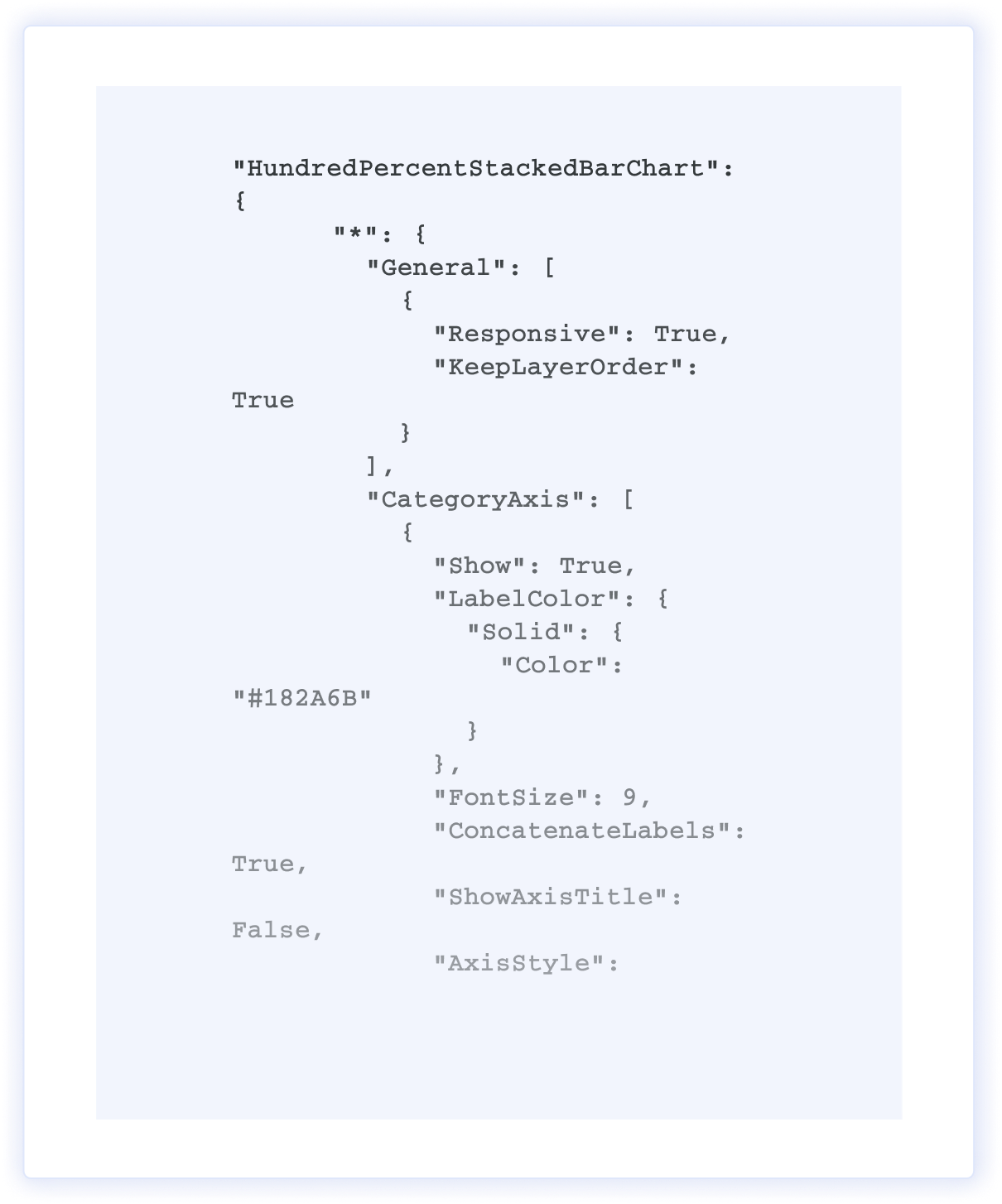
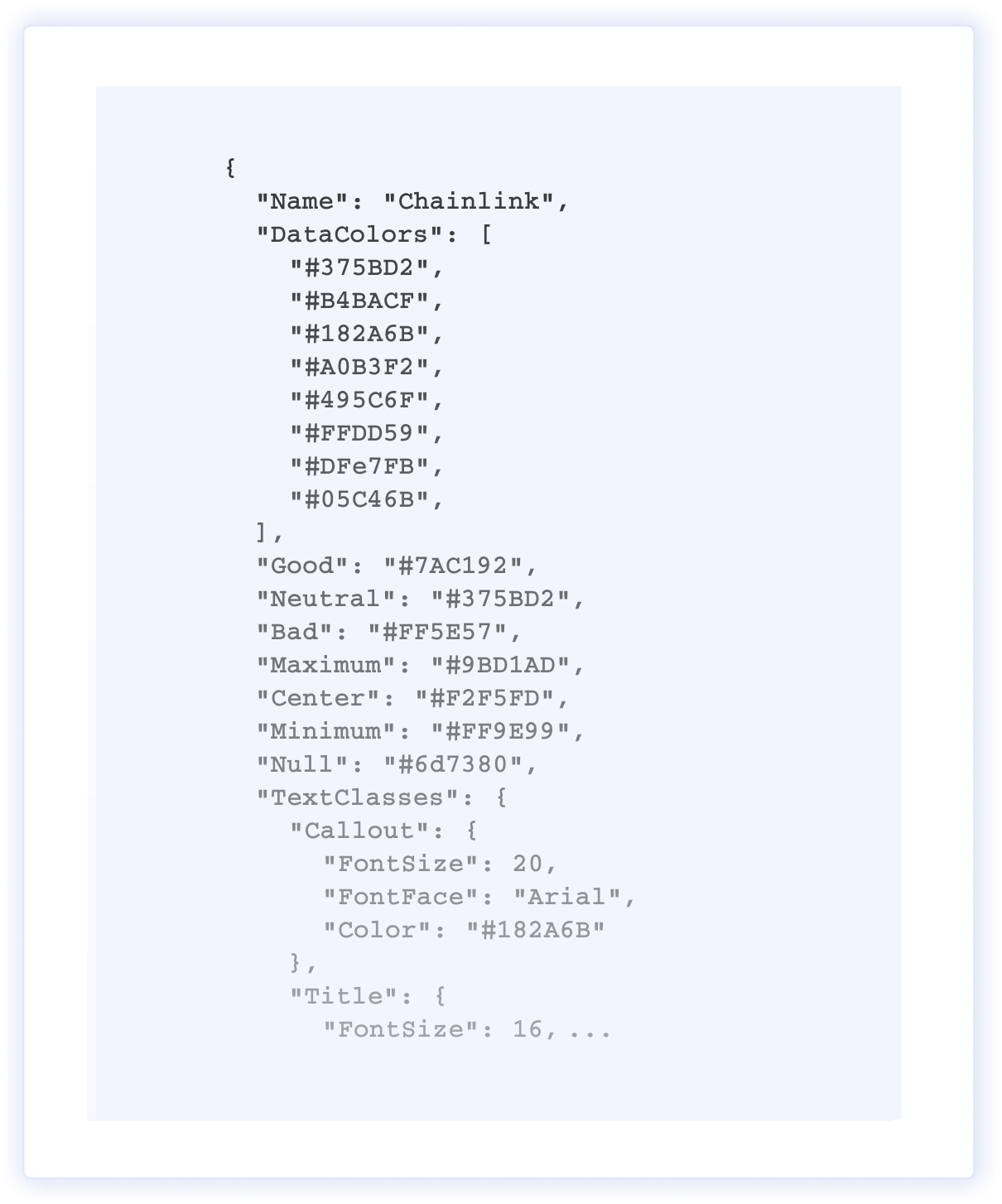
JSON Theme File
To transfer the visual system from Figma into Power BI, I created a reusable JSON theme defining the core colour, typography and chart-formatting rules. This enabled the Data Analytics team to apply the design consistently and develop new reports more efficiently.
Final Outcome
The redesigned dashboards made complex blockchain and market data clearer and easier to interpret for internal teams and external partners.
- Reduced the time required to interpret insights by approximately 15–20%.
- Accelerated the development of new reports by approximately 15–30%.
- Established a consistent visual language across more than 50 analytics dashboards.
A scalable design system and JSON theme for Power BI reduced design-to-implementation friction, improved consistency and made future dashboard development easier to maintain. Clearer information hierarchy and reusable interaction patterns also helped stakeholders reach informed decisions without requiring deep technical knowledge.
.png)